
Working smarter without overwhelming yourself
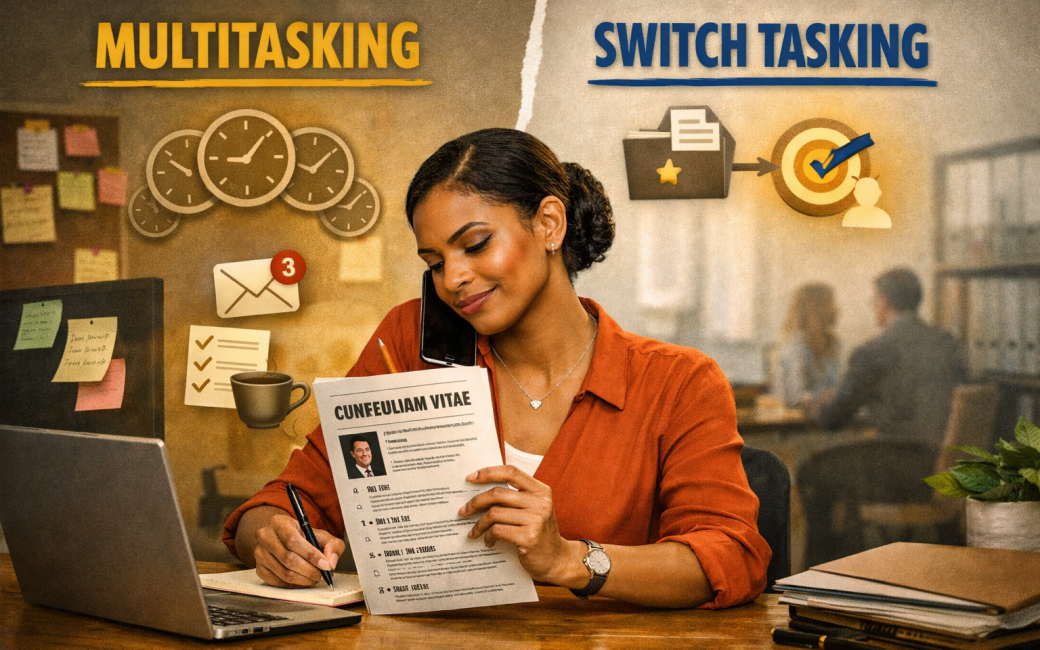
Administrative professionals often juggle calendars, emails, meetings, people, and deadlines — sometimes all before 10am. Because of this, you are often told to “multitask.” But the truth is, what most people call multitasking is actually switch-tasking, and the two are very different.
Understanding this difference can help you manage your workload better, protect your focus, and reduce unnecessary stress.
Let’s break it down in a way that is practical, clear, and useful in real South African workplaces.
1. What Is Multitasking?
Multitasking = doing two tasks at the same time
Real multitasking only happens when tasks use different parts of your brain and don’t compete for the same type of attention.
Examples of true multitasking:
- Walking while talking
- Listening to music while filing papers
- Waiting for a system to load while sorting documents nearby
These tasks don’t require deep thinking at the same moment.
But when the task requires concentration — writing an email, checking a spreadsheet, scheduling a meeting, preparing a report — your brain cannot do two of these at once.
That’s where switch-tasking begins.
2. What Is Switch-Tasking?
Switch-tasking = jumping between tasks quickly
Most office “multitasking” is actually constant switching:
- Typing an email → answering a WhatsApp from your boss → returning to the email → jumping to a meeting reminder → checking a calendar → back to the email…
Every switch has a mental cost.
Your brain needs a moment to remember what you were doing, regain focus, and continue.
For administrative professionals, switch-tasking feels productive — but it quietly drains your time and energy.
3. Which Is More Effective?
Multitasking is effective for simple, non-thinking tasks.
Filing, photocopying, packing packs while listening to instructions — these can run together without stress.
Switch-tasking looks fast but often reduces productivity.
Because:
- mistakes increase
- concentration drops
- tasks take longer
- you lose accuracy
- you feel overwhelmed
In most cases, focusing on one thinking task at a time is more effective.
4. Advantages and Disadvantages of Both
Multitasking
Advantages
- Works well for routine, physical or low-focus tasks
- Saves time on simple processes
- Helps with managing slow systems (e.g., waiting for a file to download while prepping stationery)
- Keeps momentum when tasks are repetitive
Disadvantages
- Not suitable for deep work
- Can reduce quality if tasks require mental effort
- Can make you feel like you’re “busy” without moving important work forward
Switch-Tasking
Advantages
- Useful in roles where you must respond quickly
- Helps you manage unpredictable days
- Allows you to stay accessible to your team or manager
- Matches the reality of fast-paced office environments
Disadvantages
- Increases errors
- Makes tasks take longer
- Creates mental fatigue
- Raises stress levels
- Breaks concentration repeatedly
- Leaves you feeling scattered or overwhelmed
Switch-tasking is sometimes necessary, but not always healthy when it becomes the default.
5. Practical Tips to Work More Effectively
These tips are designed specifically for administrative professionals who must balance responsiveness with accuracy.
Tip 1: Identify Your Thinking Tasks vs Routine Tasks
Thinking tasks need focus:
- Drafting emails
- Preparing meeting packs
- Scheduling complex calendars
- Updating reports
Routine tasks can be multitasked:
- Printing
- Filing
- Tidying up the office
- Checking stationery stock
Knowing the difference helps you plan your day.
Tip 2: Build “Focus Blocks” Into Your Day
Even 20–30 minutes of uninterrupted focus can:
- reduce stress
- improve quality
- shorten task time
Tell your team:
“I’m focusing on the meeting pack for the next 20 minutes. If it’s urgent, please call me. Otherwise, I’ll respond shortly.”
Clear. Respectful. Professional.
Tip 3: Reduce Unnecessary Switching
Try:
- Closing unused tabs
- Muting notifications for short periods
- Using a written list instead of jumping between screens
Small changes make a big difference.
Tip 4: Batch Similar Tasks Together
Examples:
- Respond to emails at set times
- Approve bookings in one go
- Handle calls in clusters when possible
Batched work reduces mental clutter.
Tip 5: Finish One Micro-Task Before Switching
If you can’t complete the whole job, complete the next step.
Instead of:
Half an email → half a calendar entry → half a WhatsApp → half a report
Try:
Finish the paragraph → then switch.
It gives you mental closure and reduces the cost of switching.
What Matters Most
Administrative professionals are the steady rhythm of an organisation.
Your ability to manage multiple moving parts is a true skill — but it doesn’t mean you must do everything at once.
Understanding the difference between multitasking and switch-tasking helps you:
- protect your focus
- work with more dignity
- reduce burnout
- set healthier boundaries
- produce more accurate work
- manage pressure with confidence
You deserve ways of working that support your well‑being and your professionalism.